Comparison

Clarity and transparency for your design decisions

The most intuitive software on the market

Selection

  • Selection of relevant indicators
  • Design modifications
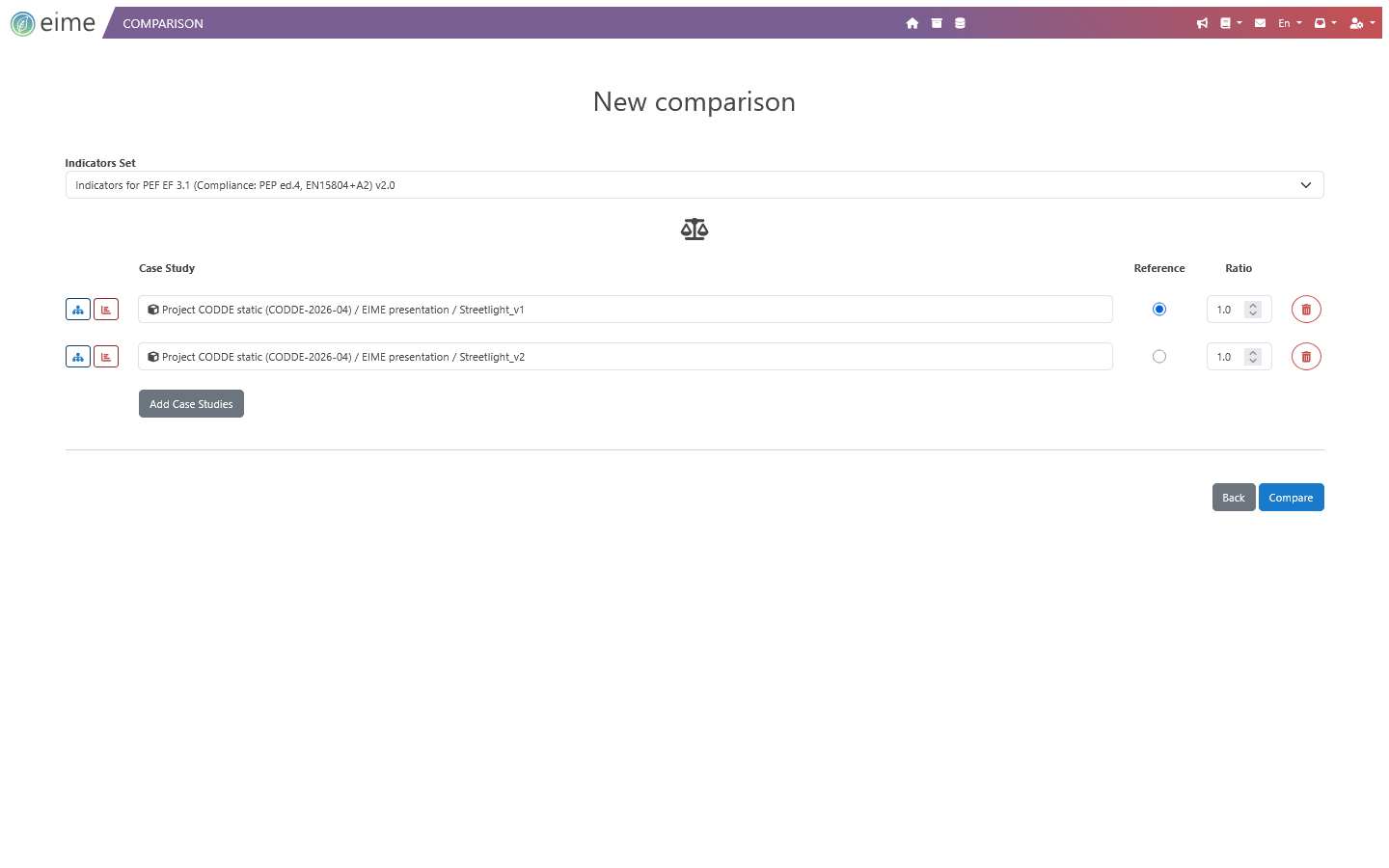
  • Application of parameters and ratios

Comparison

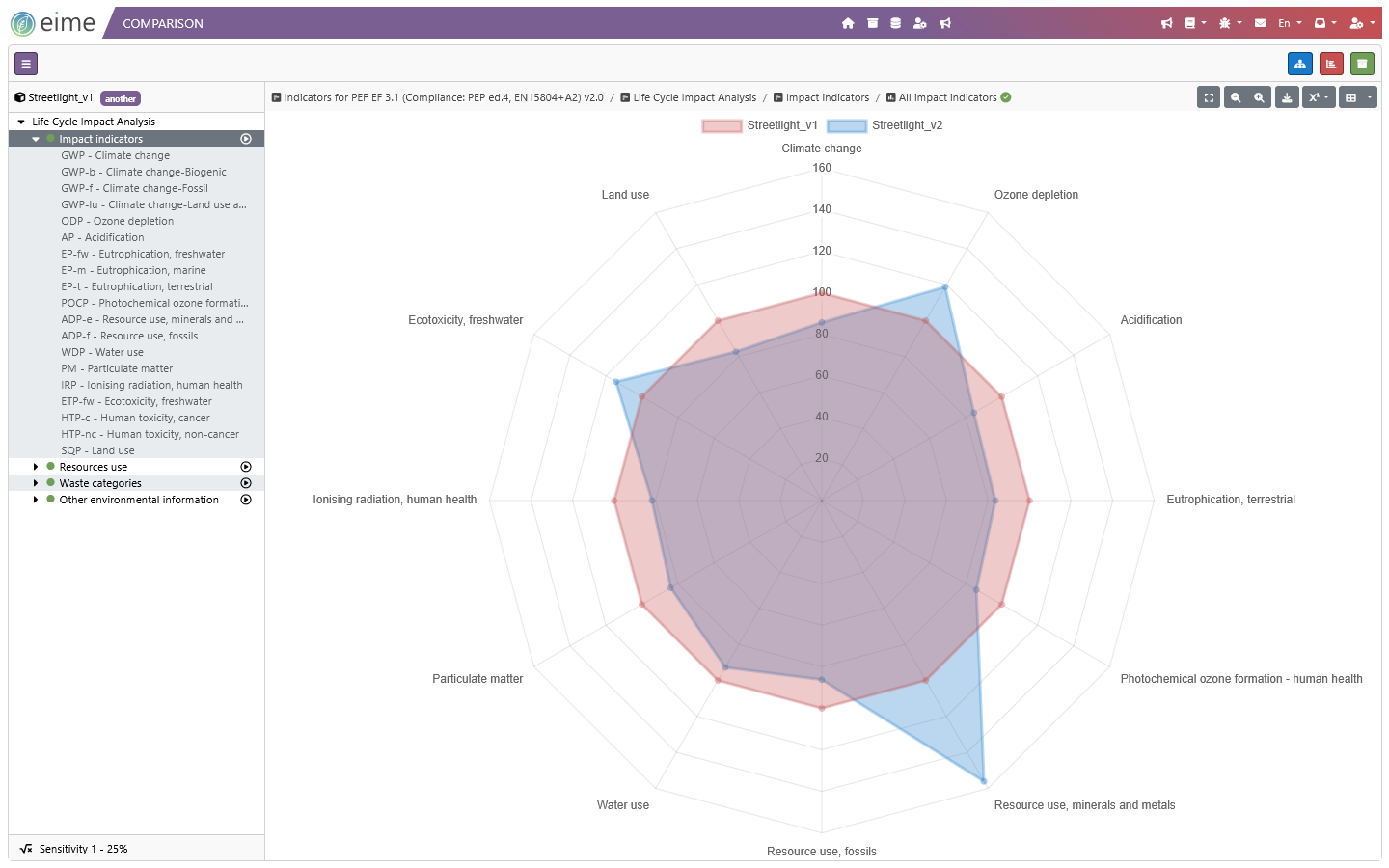
  • Comparative eco-radar
  • By life cycle, phase by phase
  • Visualization of gains and transfers

Decision

  • Sensitivity analyses
  • Data substitution
  • Import / Export in Excel format
  • EIME LCA software radar chart comparison
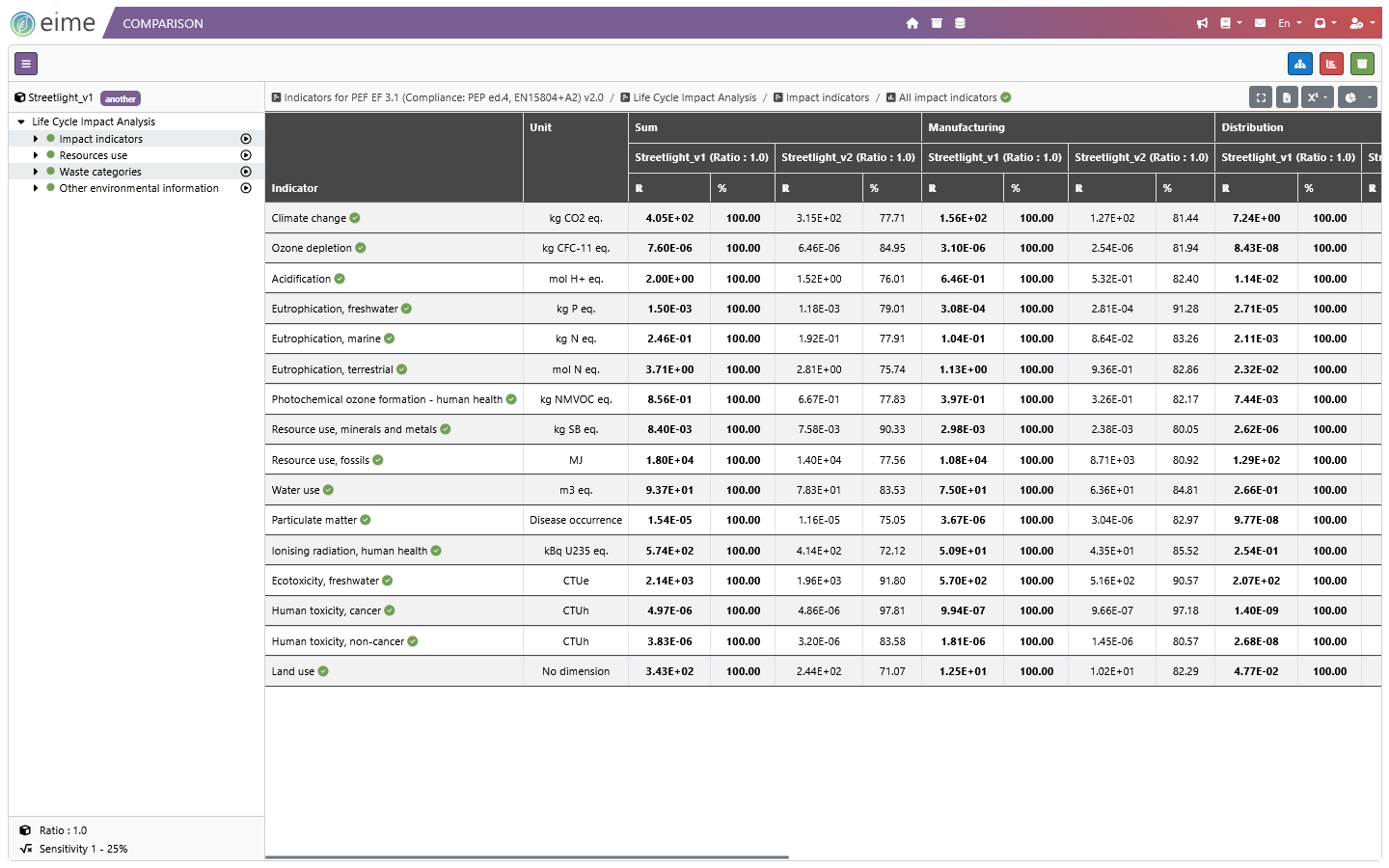
  • EIME LCA software comparison spreadsheet numbers
  • EIME LCA software comparison feature

Focus on two key features

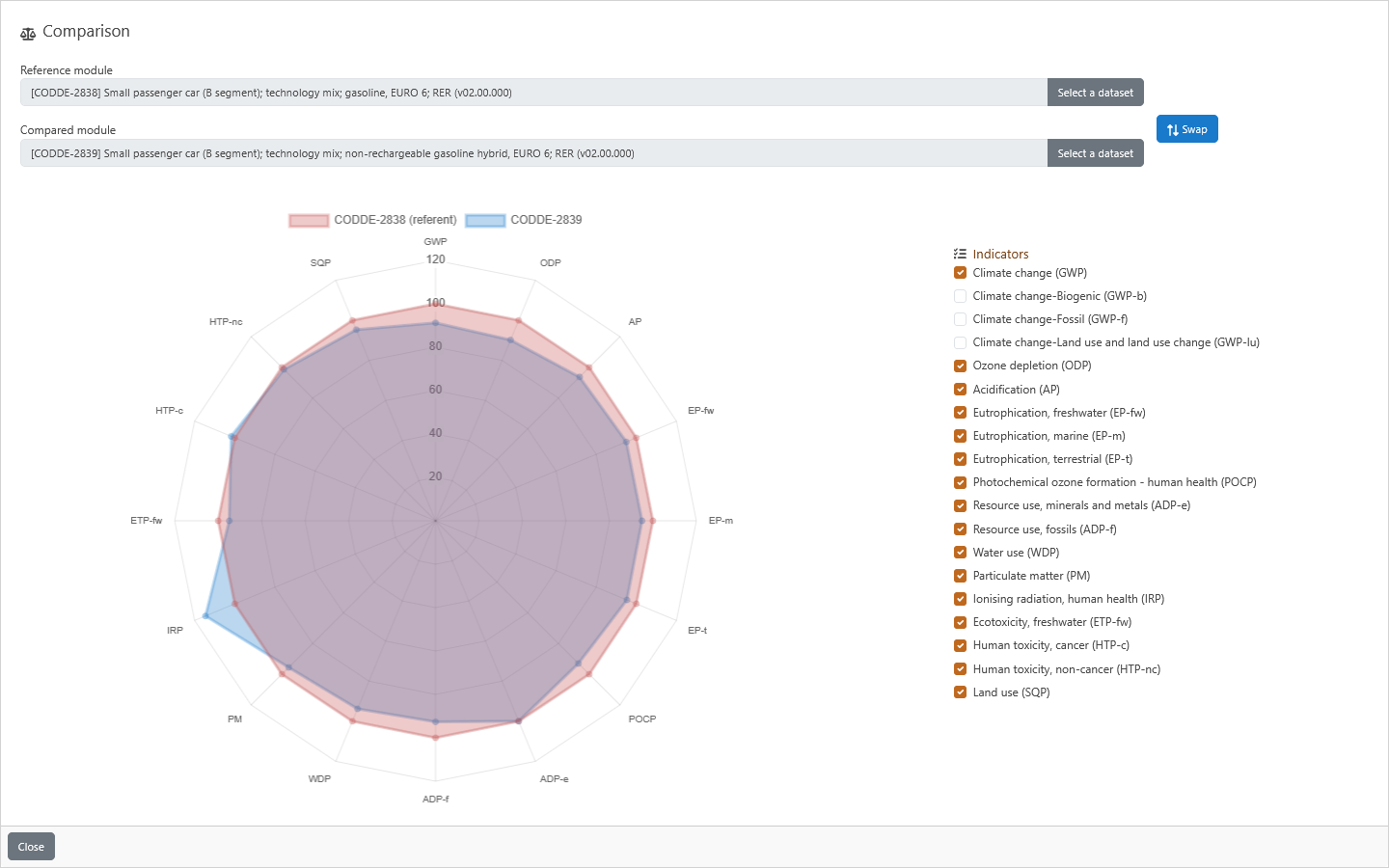
EIME LCA software compare LCI dataset feature

Comparison of two data

EIME allows you to compare the impacts of two data instantly:

  • Choose a reference data set.
  • Add comparison data set.
  • Get a comparative eco-radar to help you make the best modeling choices.
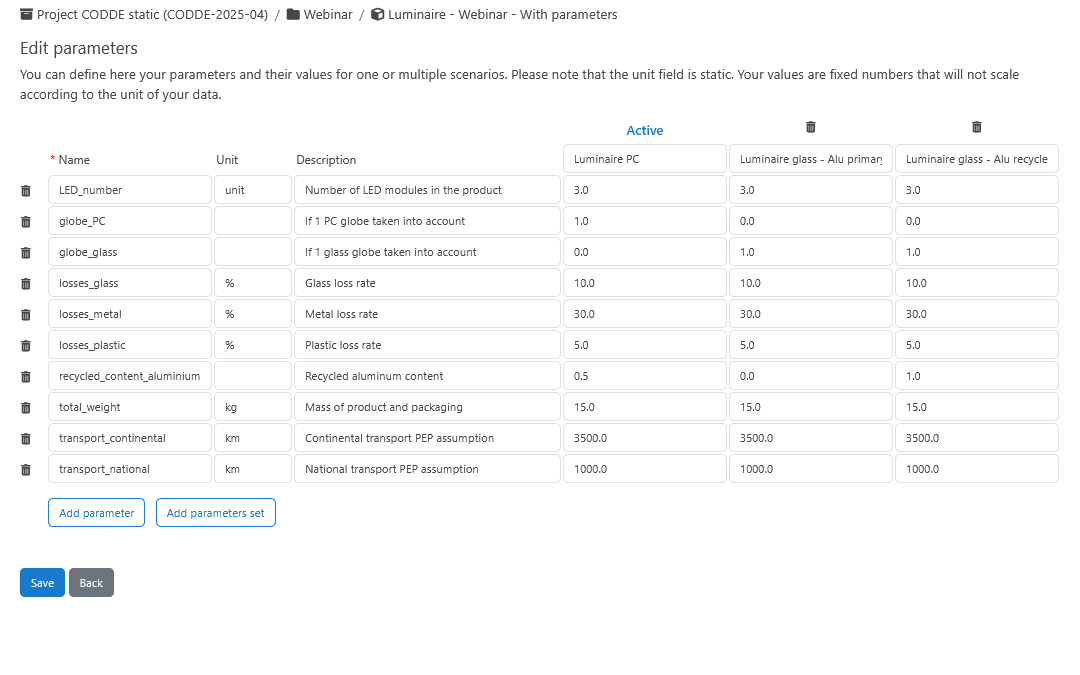
EIME LCA software parameters feature

Parameters

Define, create and use parameters to:

  • Facilitate the updating of a case study.
  • Manage sensitivity analysis.
  • Enter formulas using parameters.
  • Centralize the documentation of values entered in a case study.
  • Export/Import your parameters (.xlsx file).

Interfaces

Dive deeper into EIME