Build the environmental identity card of your product with EIME
An Environmental Product Declaration is a communication tool based on a specific declaration program.
The objective is to communicate environmental impacts to your customers and respond to market calls for tenders.
The methodology for creating an EPD consists of following the general and specific rules of the relevant program.





-
1. Data collection
The first step is to identify and quantify the relevant inputs and outputs of the system being studied: Energy inputs, raw materials, waste, emissions to air, water and soil etc...
A distinction between
Data collected in the field, specific to a manufacturer.
Generic data from bibliography or research work. They represent an average.
The cut-off criterion, depending on the environmental program you wish to follow, must be respected.

-
2. Life cycle modeling
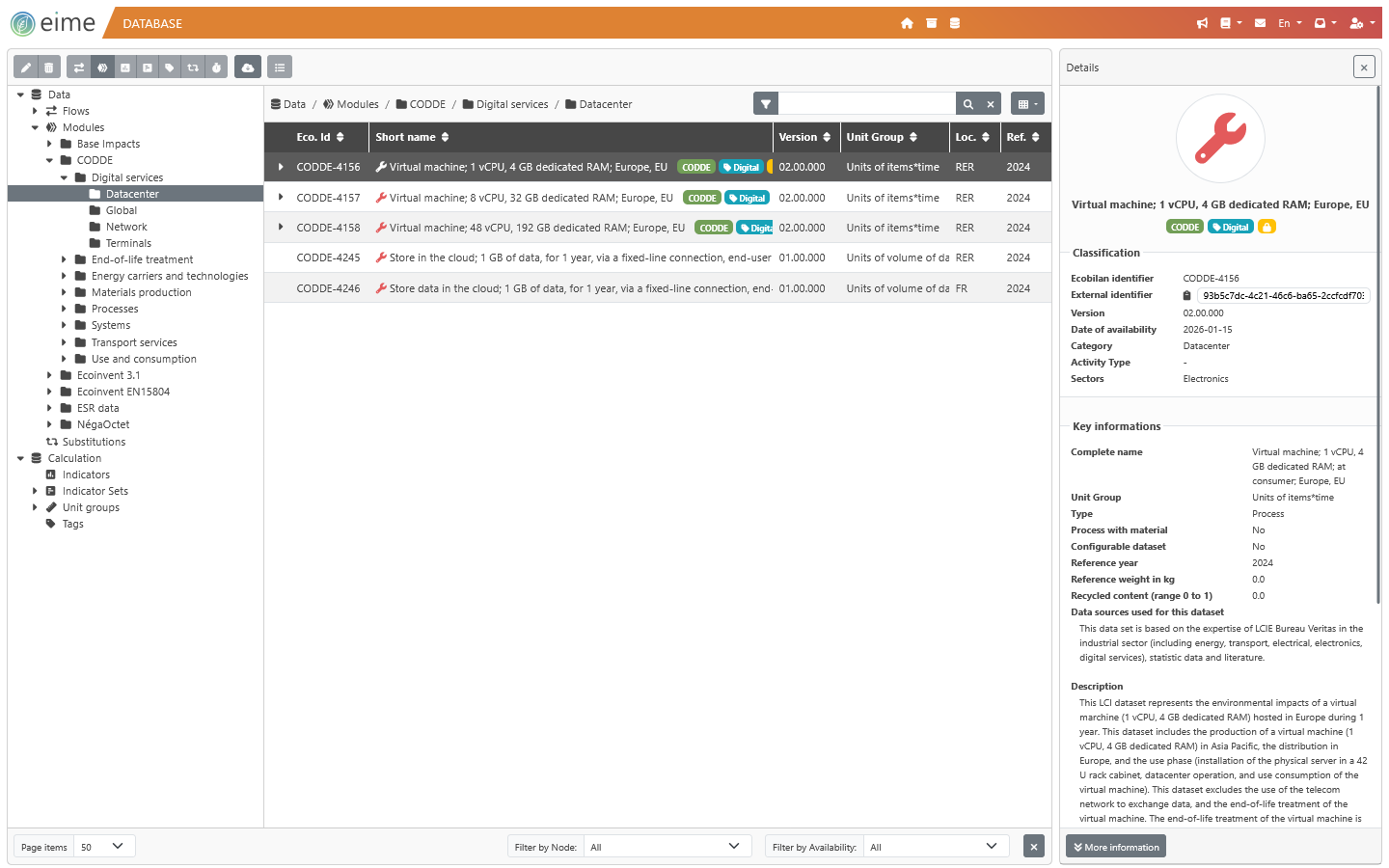
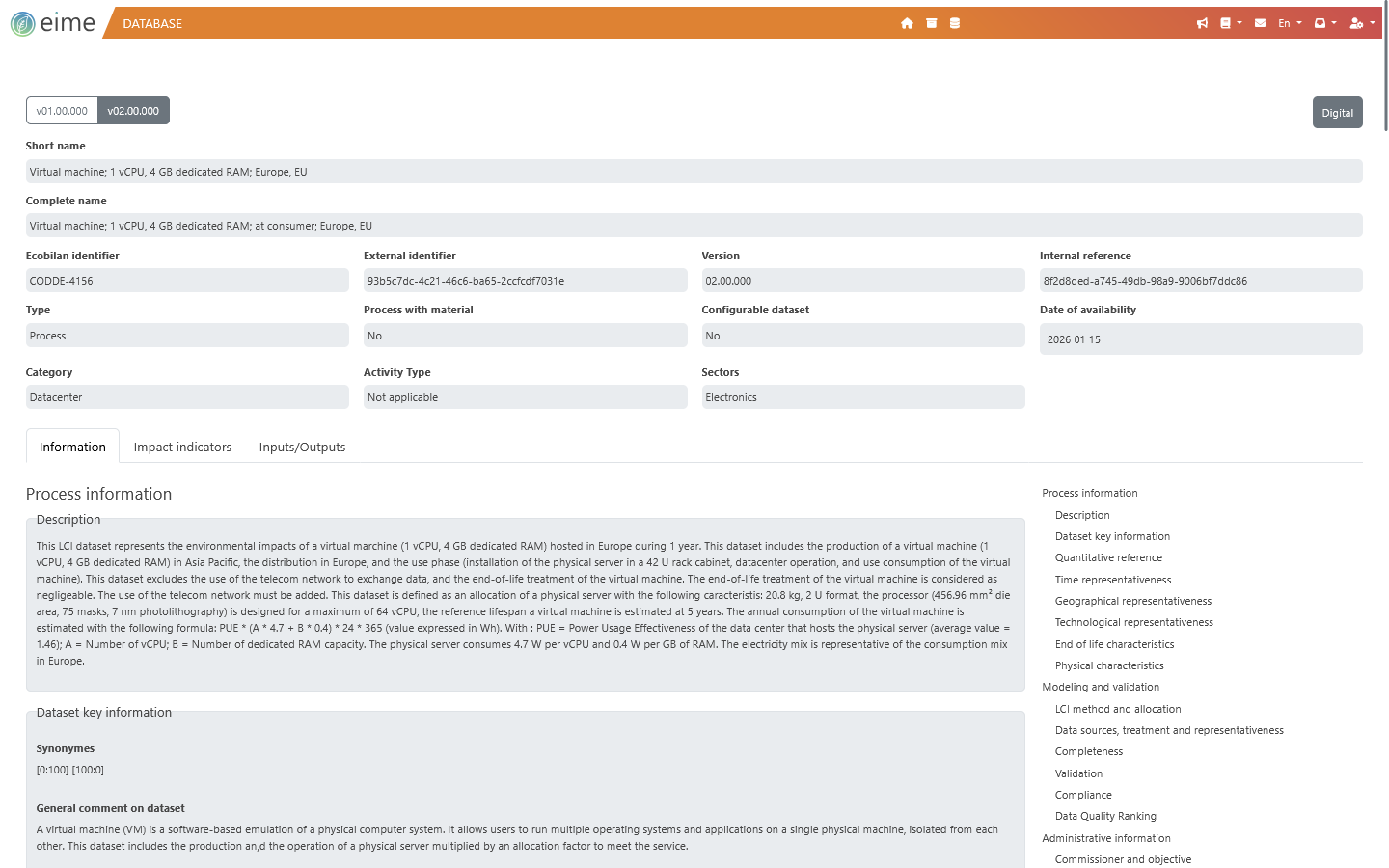
The modeling phase consists of associating inventory data with database data from EIME software to reconstruct the life cycle of your product or service.
Your modeling must follow all the rules imposed by the environmental declaration program chosen.

EIME supports you in this step:
EIME software guides you step by step in modeling the life cycle of your products and services.
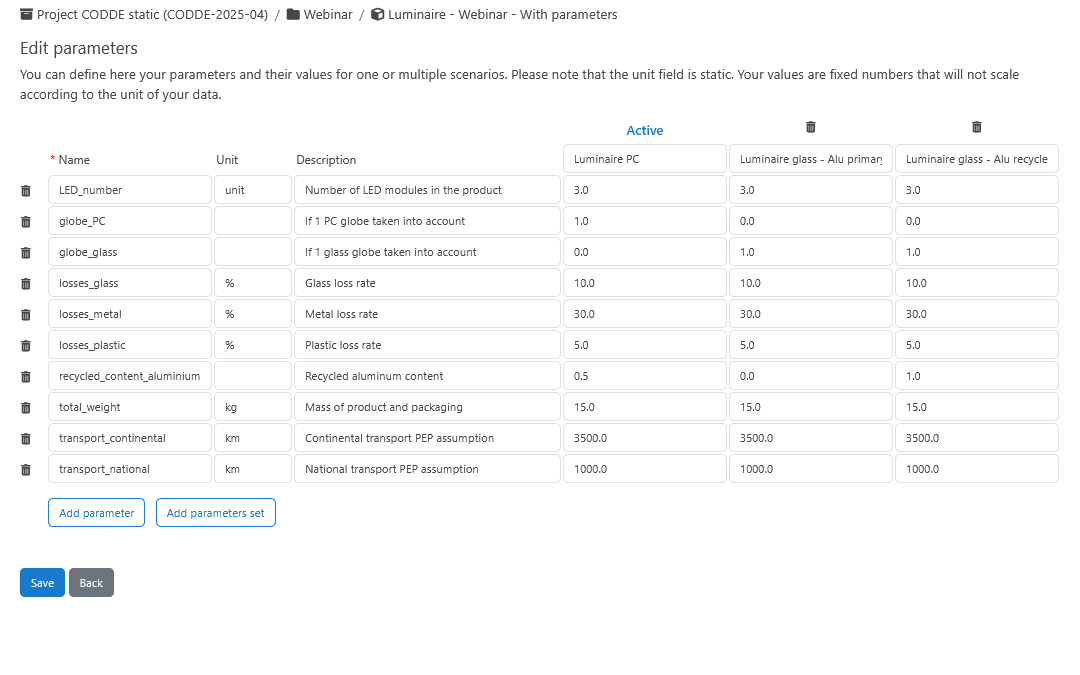
EIME has so-called "configurable" data that allows you to adapt the electricity mix of a data set to a specific geographic area. These configurable data are available for manufacturing processes.
It is possible to copy/paste a folder or component from one case study to another. It is also possible to convert a case study into a system. Systems are then visible from the data library and can be added with one click to your modeling.
-
3. Writing the EPD report
Once modeling is complete, it is necessary to write an EPD report compliant with the environmental declaration program chosen.
The report summarizes all the assumptions followed and describes how each stage of the life cycle was modeled in EIME software.
It must contain numerical impact results and may also contain a graphical interpretation of the results.
EIME supports you in this step:
All analysis results are exportable in a single Excel file. You will find all calculated indicators (impacts, resources, waste, etc.), the various material balances as well as the life cycle inventory (LCI).
Each result table can also be downloaded individually while preserving the display settings defined in the software.
EIME allows you to export all graphical elements in PNG format.
-
4. EPD sheet issuance
You must issue an environmental declaration sheet compliant with the environmental declaration program chosen.
This sheet of a few pages presents the characteristics of the product studied, summarizes all the assumptions of your LCA study and informs of the environmental impact results.
-
5. Verification
Before being registered in the public databases relating to the environmental declaration program chosen, your EPD sheet must be subject to third-party verification.
The list of authorized verifiers is available on the program's website.
Our team of experts is authorized to verify several programs, do not hesitate to contact us.
EIME supports you in this step:
Our modeling export in Excel format is designed to be understandable outside of EIME. It presents all the information necessary to understand the modeling performed in the software.
It is possible to perform this export while displaying impact results. Thus, next to each modeling line the environmental impact calculated by the software will be displayed. This functionality is particularly useful for checking the consistency of the modeling.
EIME modelings are exportable in json and Excel formats. The exports can then be reimported into any EIME session.
-
6. Registration in the public database
Once third-party verification is finalized and verification documents are in your possession, you will be able to register your EPD sheet in the public databases of the programs.
Your product can thus be chosen by your customers for future building constructions compliant with RE2020.
-
1. Data collection
The first step is to identify and quantify the relevant inputs and outputs of the system being studied: Energy inputs, raw materials, waste, emissions to air, water and soil etc...
A distinction between
Data collected in the field, specific to a manufacturer.
Generic data from bibliography or research work. They represent an average.
The cut-off criterion, depending on the environmental program you wish to follow, must be respected.
-
2. Life cycle modeling
The modeling phase consists of associating inventory data with database data from EIME software to reconstruct the life cycle of your product or service.
Your modeling must follow all the rules imposed by the environmental declaration program chosen.
EIME supports you in this step:
EIME software guides you step by step in modeling the life cycle of your products and services.
EIME has so-called "configurable" data that allows you to adapt the electricity mix of a data set to a specific geographic area. These configurable data are available for manufacturing processes.
It is possible to copy/paste a folder or component from one case study to another. It is also possible to convert a case study into a system. Systems are then visible from the data library and can be added with one click to your modeling.
-
3. Writing the EPD report
Once modeling is complete, it is necessary to write an EPD report compliant with the environmental declaration program chosen.
The report summarizes all the assumptions followed and describes how each stage of the life cycle was modeled in EIME software.
It must contain numerical impact results and may also contain a graphical interpretation of the results.
EIME supports you in this step:
All analysis results are exportable in a single Excel file. You will find all calculated indicators (impacts, resources, waste, etc.), the various material balances as well as the life cycle inventory (LCI).
Each result table can also be downloaded individually while preserving the display settings defined in the software.
EIME allows you to export all graphical elements in PNG format.
-
4. EPD sheet issuance
You must issue an environmental declaration sheet compliant with the environmental declaration program chosen.
This sheet of a few pages presents the characteristics of the product studied, summarizes all the assumptions of your LCA study and informs of the environmental impact results.
-
5. Verification
Before being registered in the public databases relating to the environmental declaration program chosen, your EPD sheet must be subject to third-party verification.
The list of authorized verifiers is available on the program's website.
Our team of experts is authorized to verify several programs, do not hesitate to contact us.
EIME supports you in this step:
Our modeling export in Excel format is designed to be understandable outside of EIME. It presents all the information necessary to understand the modeling performed in the software.
It is possible to perform this export while displaying impact results. Thus, next to each modeling line the environmental impact calculated by the software will be displayed. This functionality is particularly useful for checking the consistency of the modeling.
EIME modelings are exportable in json and Excel formats. The exports can then be reimported into any EIME session.
-
6. Registration in the public database
Once third-party verification is finalized and verification documents are in your possession, you will be able to register your EPD sheet in the public databases of the programs.
Your product can thus be chosen by your customers for future building constructions compliant with RE2020.